Draw: Outline, Non-Ceramic Finds
LAP can also be used to document non-ceramic finds or objects without rotational symmetry. For example, a Neolithic stone axe requires a captured cross-section, an outline, and a photograph.

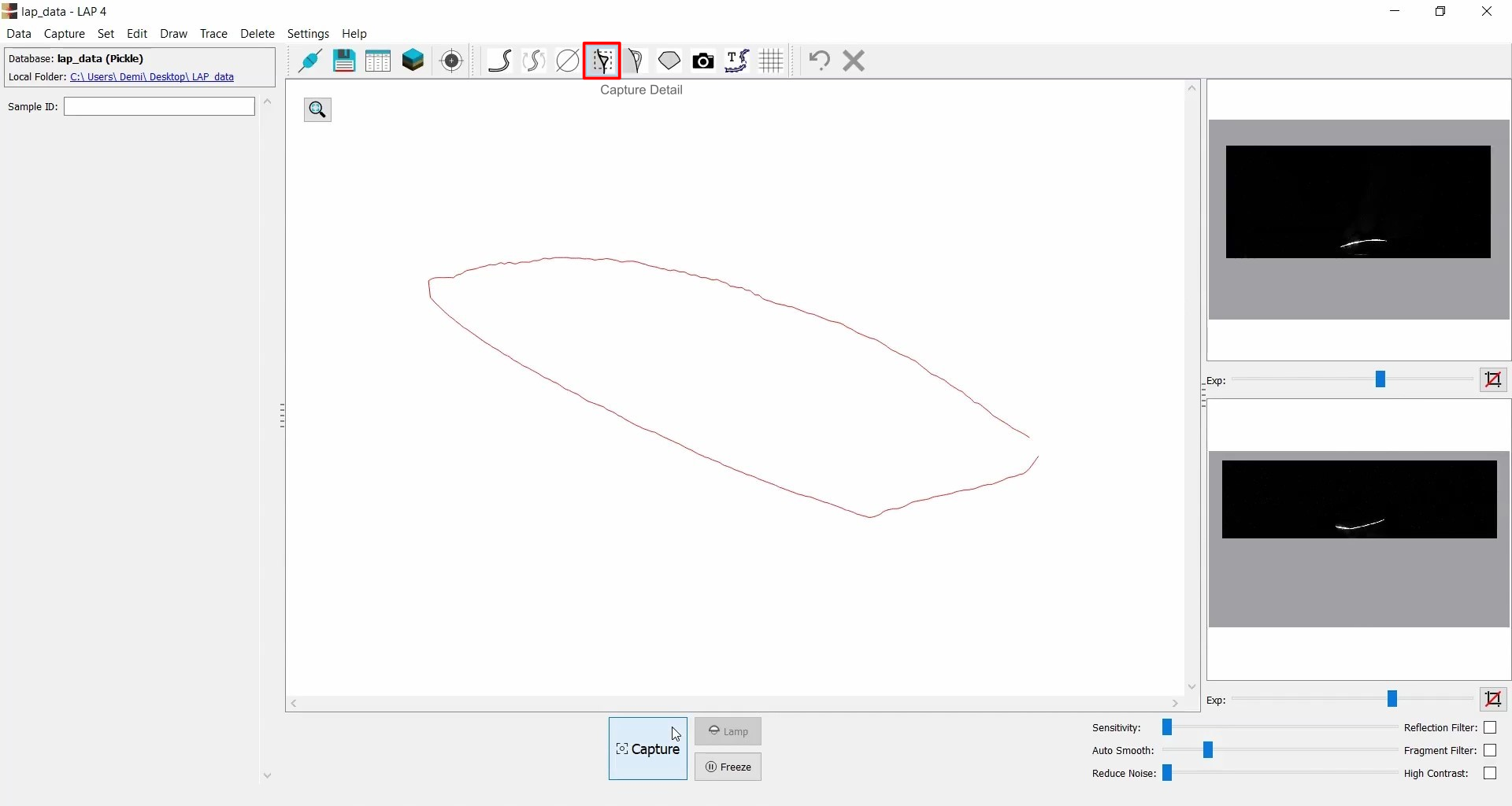
Capture Cross-Section
- Begin by capturing the cross-section using Capture Detail (
 ).
). - Adjust exposure and other camera settings as needed.
Capture Outline
- Switch to Capture Outline (
 ) mode.
 - Place the object on white background paper, crop, and capture image.
- Store it as a Detail.
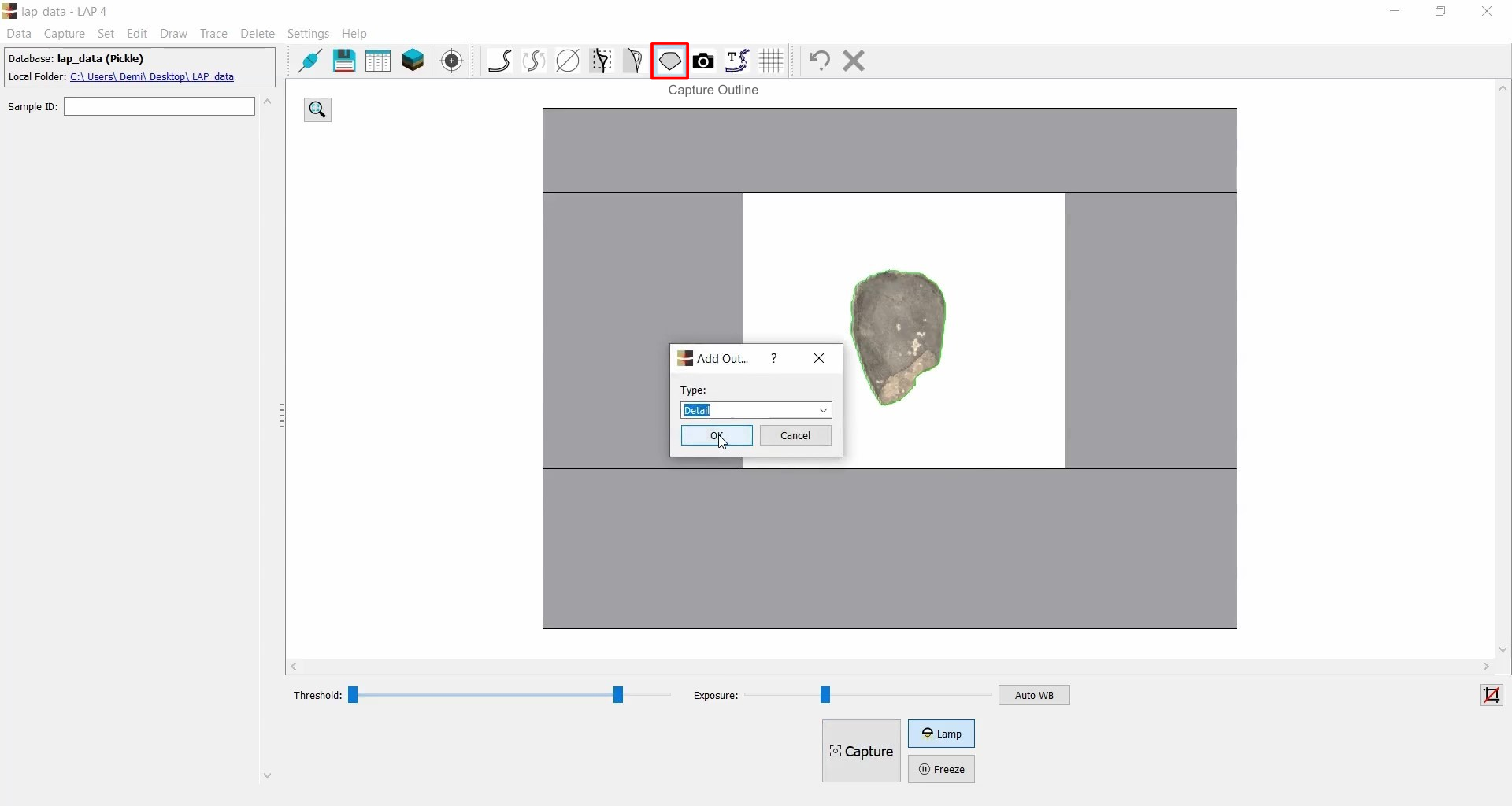
- Due to lens distortion, the outline may differ slightly in size.
- Enable Grid (
 ) and use Scale (
 ) to resize it accordingly.

Photographing
- Take a photo of the find. See Camera Snapshot for more details.
- Adjust Threshold and Exposure to define the captured area.

Final Adjustments
- Use Close Profile (
 ) to close outlines.
 - Apply Fill Detail (
 )
and optionally Smoothen (
)
and optionally Smoothen ( ) to refine edges.
 - Add measurements (
 )
)- Left-click to start measuring - hold Shift for 90-degree alignment - left-click to finish.
- Each measurement must be given a name.
