Draw: Paint, Erase, Trim
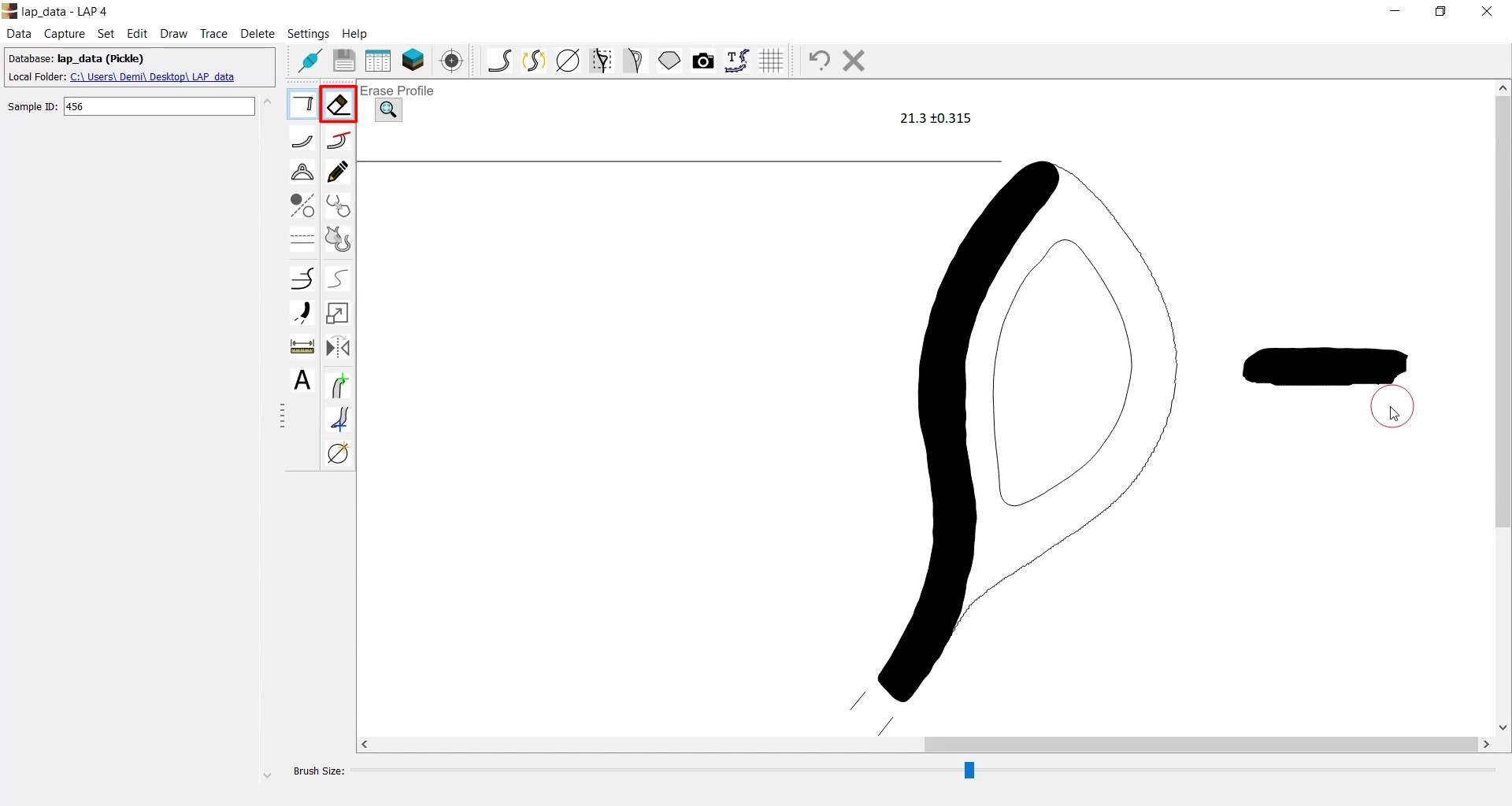
Erase Profile
| Icon | Description |
|---|---|
 |
Erase Profile |
- Use to remove parts of closed profiles.
- Helpful when the profile is not captured correctly.
- Adjustable brush size via the Brush Size slider.
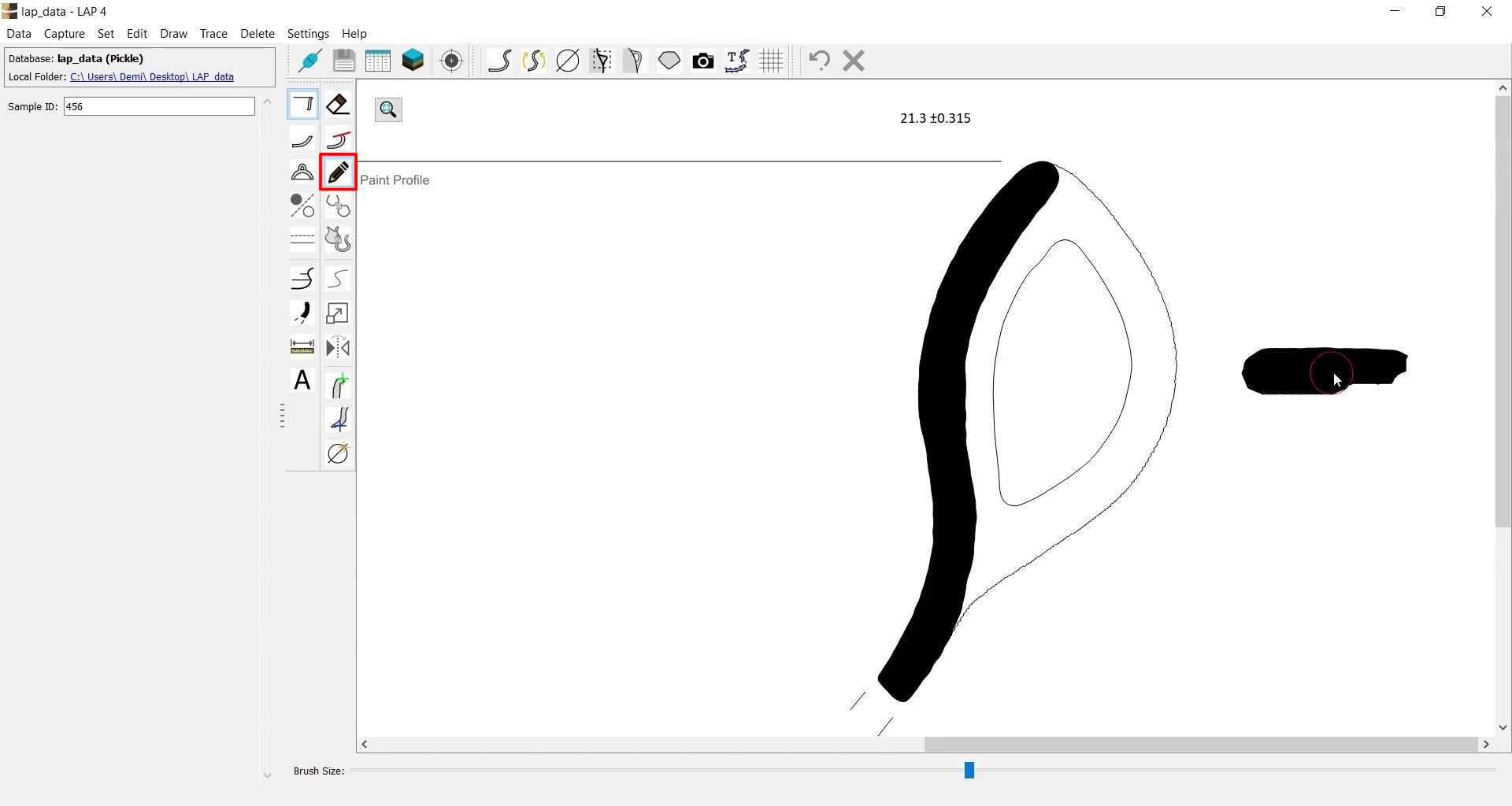
Paint Profile
| Icon | Description |
|---|---|
 |
Paint Profile |
- Use to add or restore parts of a profile (opposite of Erase).
- If nothing is selected, it applies to the profile under the cursor.
- Can also work on a specifically selected profile or detail only.
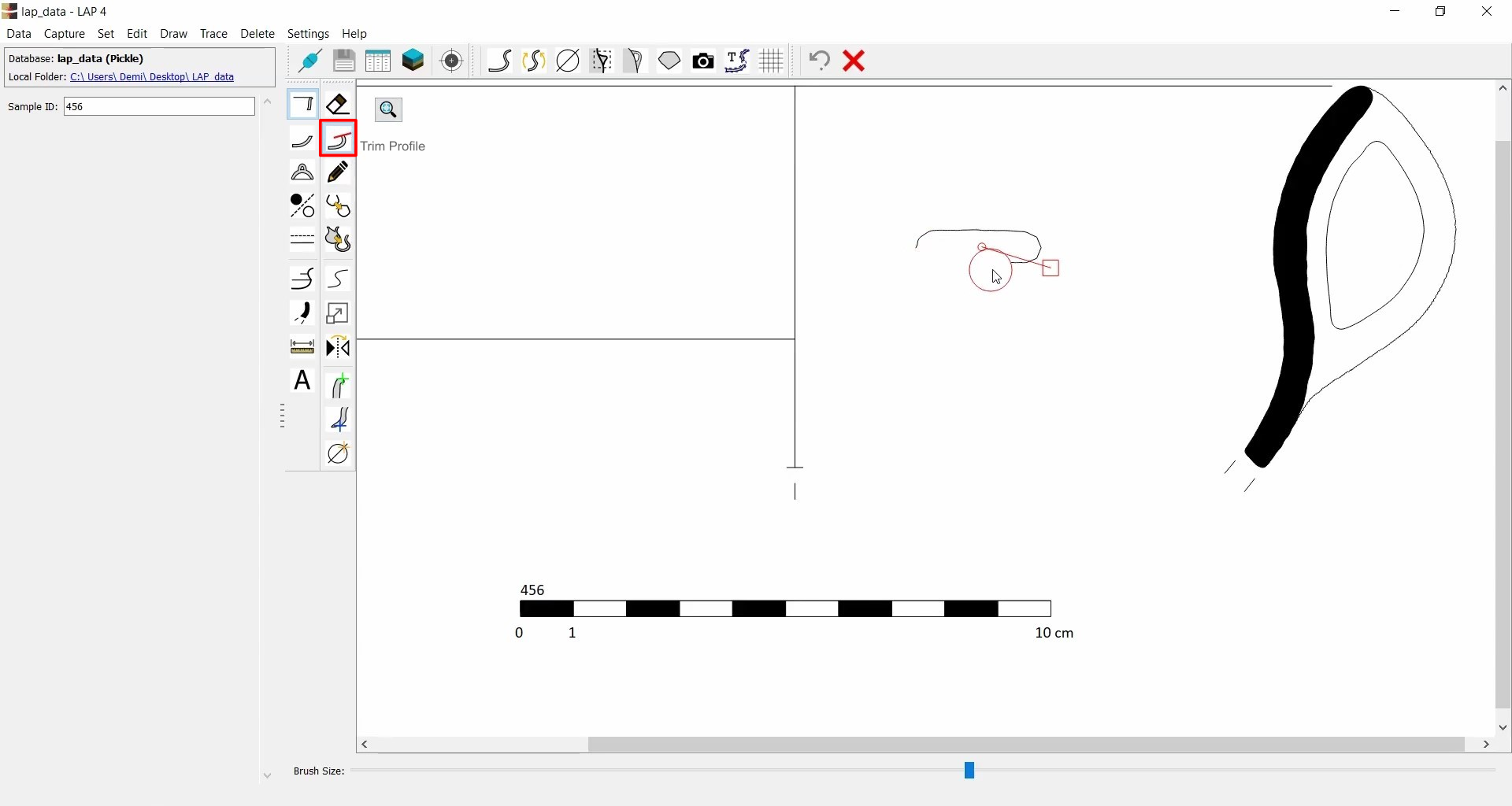
Trim Profile
| Icon | Description |
|---|---|
 |
Trim Profile |
- Converts closed polygons into open ones by erasing a portion.
- Example: Remove half of a closed shape to leave it open.