Diameter Capture
Obtain the vessel's original diameter using the laser-aided Capture Diameter mode.
| Icon | Description |
|---|---|
 |
Capture Diameter |
Position the sample so that the laser follows the circumference. This can be done at any point along the profile, not necessarily at the rim — the inner side may also be used. Ensure the vessel's original axis of symmetry is horizontal and perpendicular to the laser line.

In the live display, the circumference profile is shown in red and the fitted circle in green. Non-circular features are excluded from the computation automatically. To define the evaluation segment manually, use the Crop Window ( ) feature.
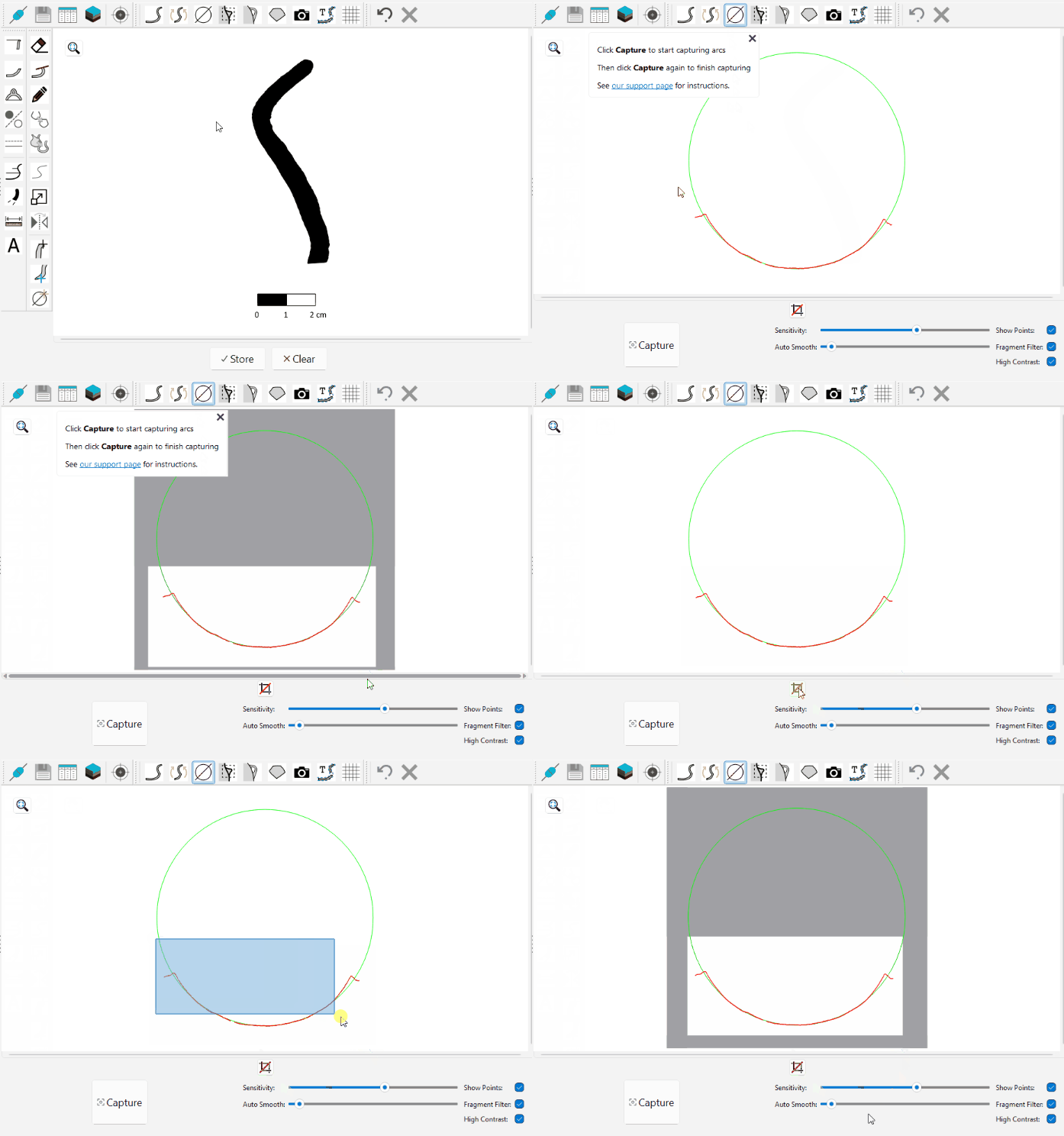
Next, click Capture to start the acquisition. The software begins detecting arcs and calculating their diameters. Click Capture again to stop the acquisition and compute the average diameter.
Use the green crosshair to select the point on the profile where the diameter was measured. Once selected, the drawing updates with the computed diameter.
💡 Tip: You can always modify the point on the profile by clicking Edit / Edit Diameter Point ( ).
).
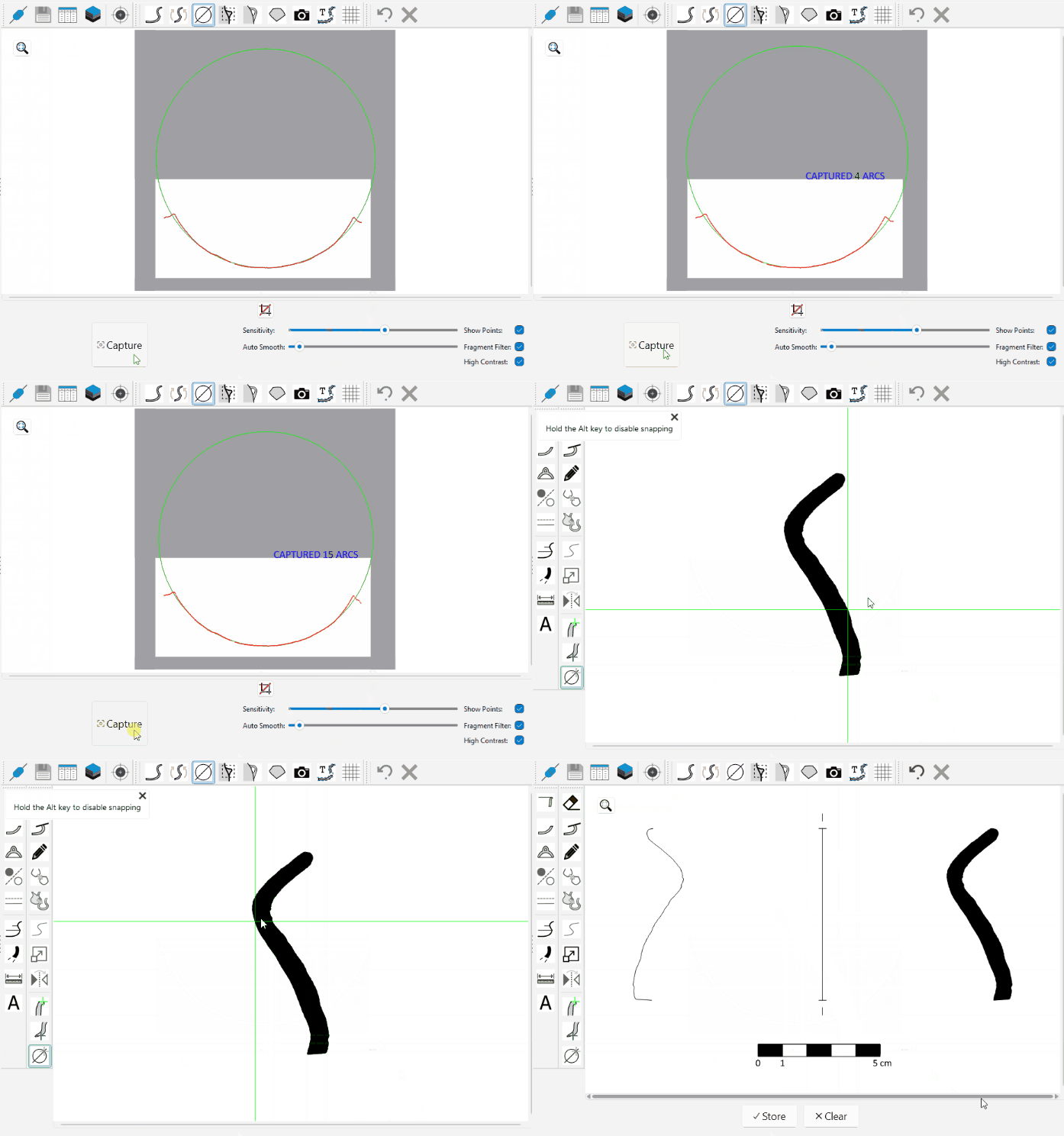
Once the diameter is confirmed, click Set Rim ( ) to add it to the drawing.

ℹ️ Note: Calculation precision depends on two factors: the circularity of the circumference - more consistent on wheel-thrown vessels - and the proportion of the preserved fragment (estimated vessel equivalent, EVE). The higher the EVE, the better the precision. For problematic pieces, the software can average multiple captures in sequence - acquisition continues until Capture is clicked a second time.